The 7-DAY FEA with REAL PROJECTS | Learn Simulation The Way Industry Demands
2,300+ ENGINEERS ENROLLED | 12+ years of real industrial FEA Experience · Ansys · Abaqus · NASTRAN · SolidWorks

BUILD YOUR FOUNDATION IN FEA
THROUGH 7 DAYS OF
REAL ENGINEERING PROJECTS

You already know CAD. The gap into simulation isn't a skills problem — it's a method problem. Watch the 2-minute breakdown below.

GET THE 7-DAY FEA PROGRAM
2,300+ engineers enrolled Lifetime access 30-day money-back guarantee
What Makes This Different

NOT A SOFTWARE TUTORIAL.
A METHODOLOGY.

Standard courses teach this
Which menu to open. Which button to click. What the software does, without ever explaining why a real engineer made that choice in front of a real part.
This program teaches this
The engineering reasoning behind every decision, so you can apply the same workflow to any structure, any software, and any problem you face on the job.

We use SolidWorks Simulation (version 2022 or newer required), one of the most widely adopted FEA platforms in industry. Every concept, every validation step transfers directly to Ansys, Abaqus, NASTRAN, or any platform you'll encounter in your career.

YOU ALREADY KNOW CAD.
NOW LEARN THE SKILL
THAT ACTUALLY GETS PAID.

FEA can help grow your career,
but the path to learning it shouldn't take years or cost thousands of dollars.

The Long, Expensive Road
The 7-DAY FEA Program
Time
1 to 2 years locked inside a master's degree.
7 structured days. Lifetime access to revisit.
Cost
$3,000 to $30,000 tuition, or $500+ online.
$149 one time. No subscription, no renewal.
What You Practice On
Toy textbook problems designed to match the chapter.
3 full chassis simulations: bike, truck, buggy.
Element Coverage
One type, usually solid. Shell and beam left as "advanced."
All three: solid, shell, beam. The set industry uses.
Feedback
A rubric. No engineer looking at your actual setup.
Direct feedback from Carlos in the 24/7 Academy forum.
You Walk Away With
A credential that says you sat through lectures.
A portfolio of industrial simulations you can show in interviews.
START THE 7-DAY FEA PROGRAM

ONE PROGRAM.
THREE DEEP-DIVES MOST COURSES SKIP.

You're investing in the core method. The three deep-dives come included at no extra cost.
Not left as "advanced topics for later"
They're extras no one else can provide, because most instructors don't have 12+ years of industrial FEA across three element types to teach them.
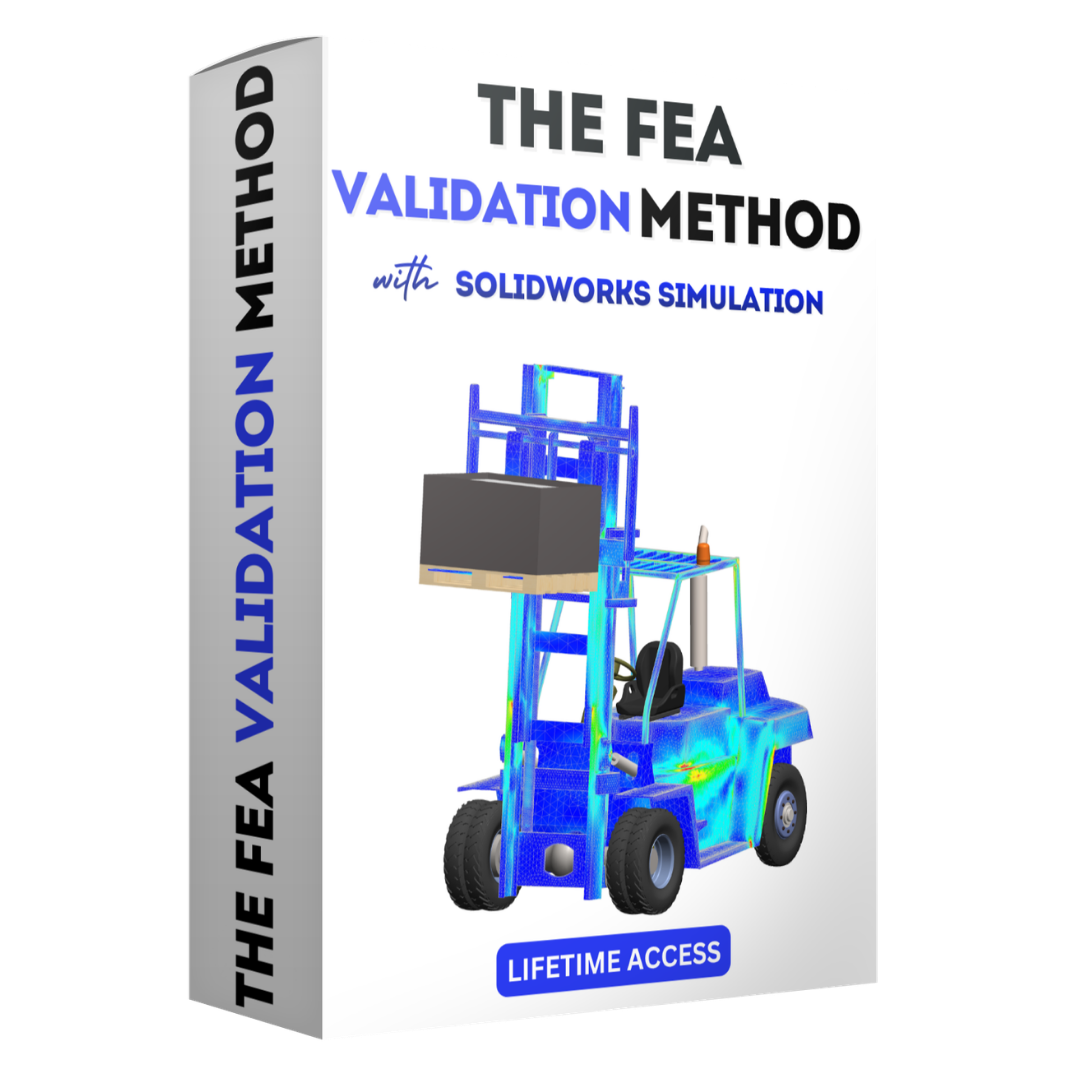
The FEA Validation Workflow

The FEA Validation Workflow

The complete simulation process from geometry setup to validated result. Pre-process, materials, boundary conditions, meshing, solver, post-process. The backbone every simulation you run after this will rest on.
Pre-Process Boundary Conditions Validation
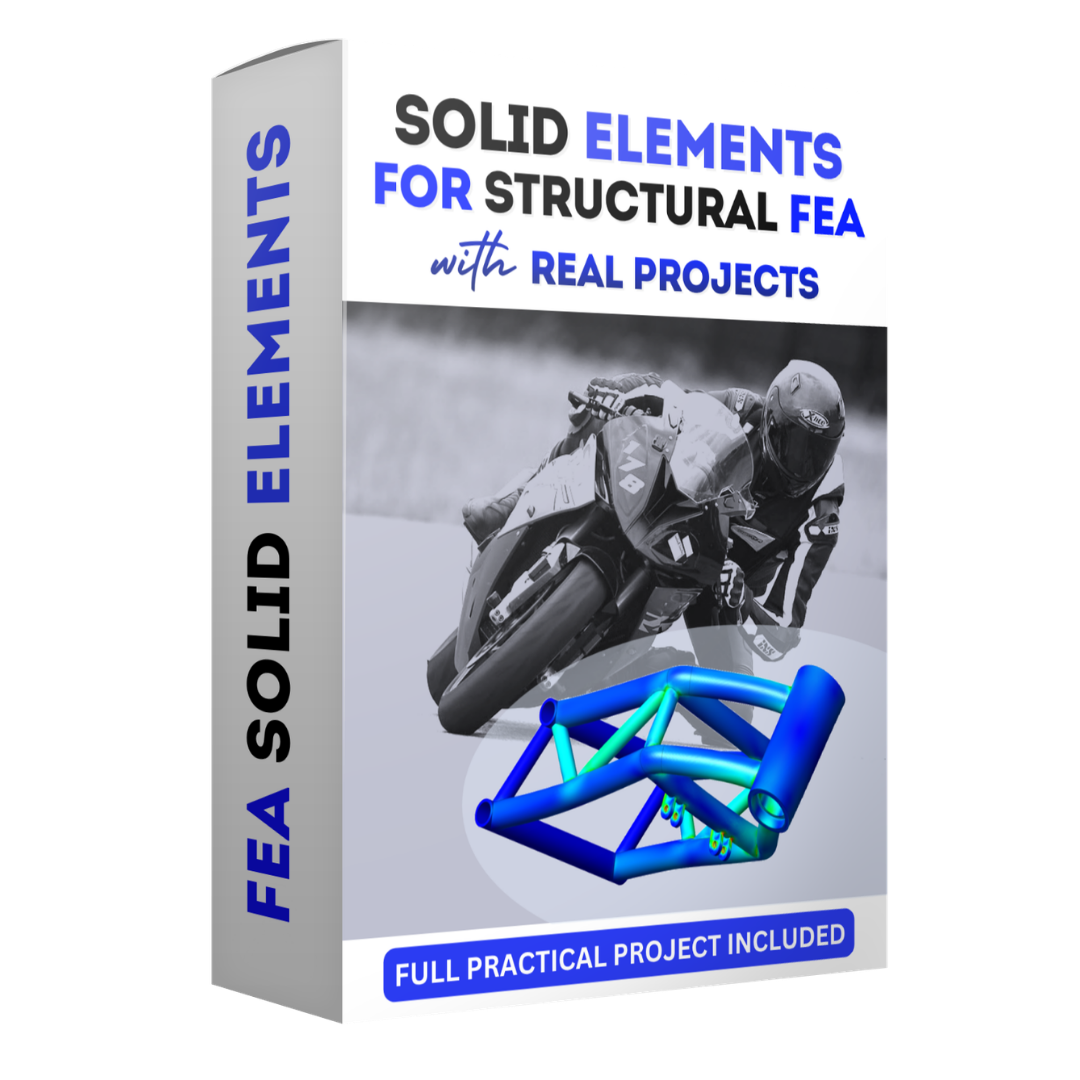
Solid Elements With Real Projects

Solid Elements With Real Projects

3D volumetric meshing for complex geometries. Stress concentration handling, von Mises validation, and a full motorbike chassis simulation from start to defendable result.
Solid Mesh Stress Analysis Bike Chassis
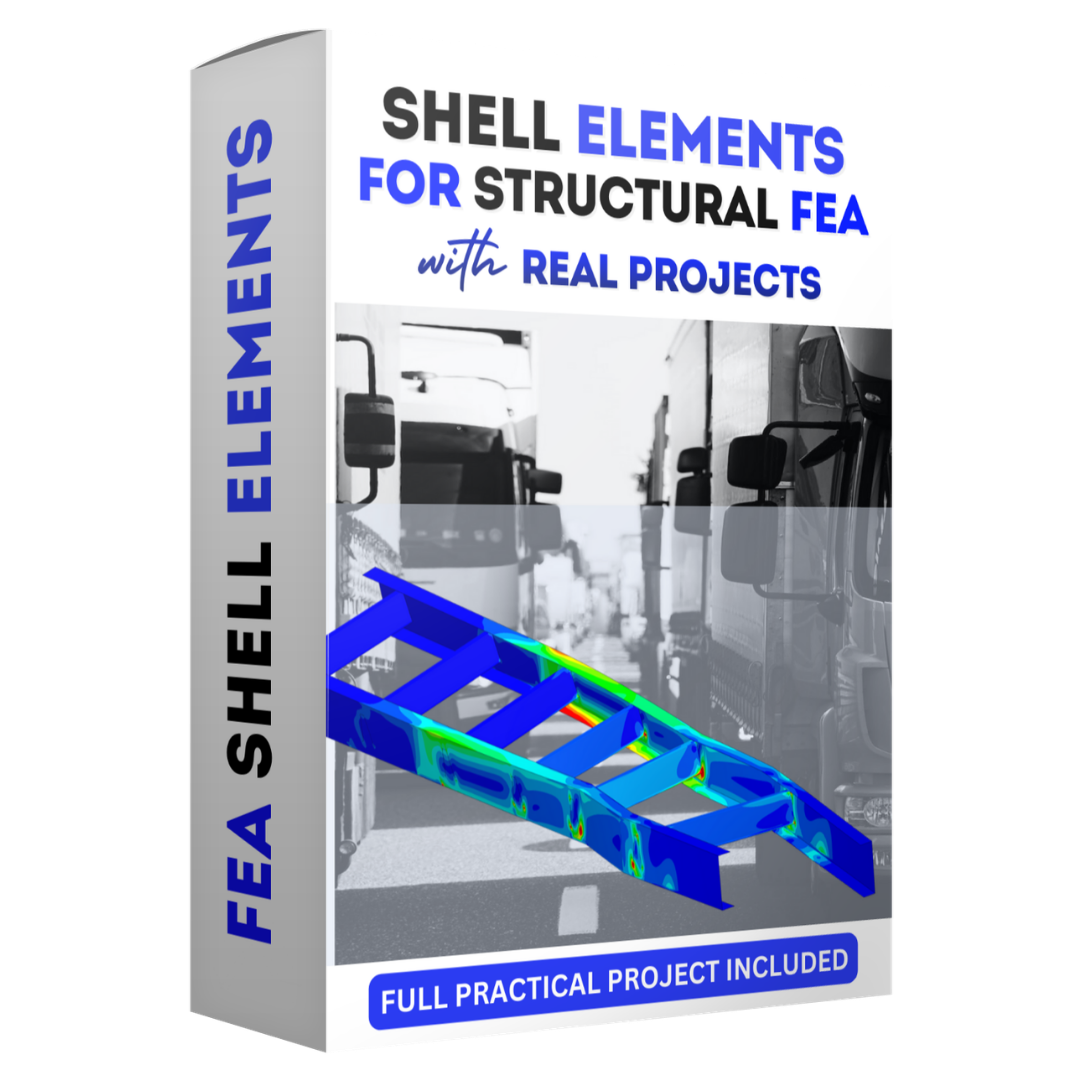
Shell Elements For Structural FEA

Shell Elements For Structural FEA

Mid-surface modeling for thin-walled structures. Dramatic computational savings without losing accuracy. Reinforced with a complete truck chassis validation, the approach used across automotive and aerospace.
Shell Modeling Mid-Surface Truck Chassis
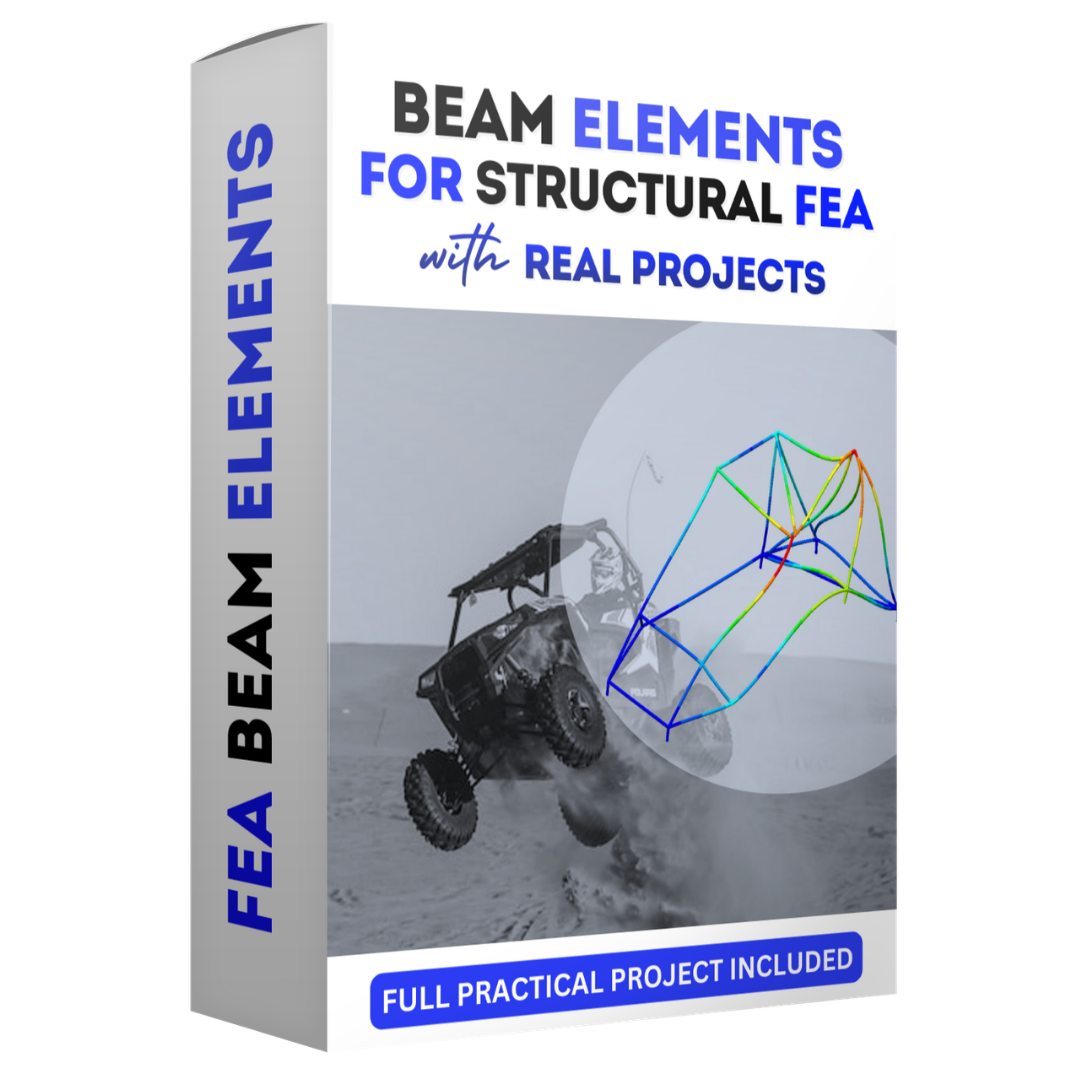
Beam Elements For Structural FEA

Beam Elements For Structural FEA

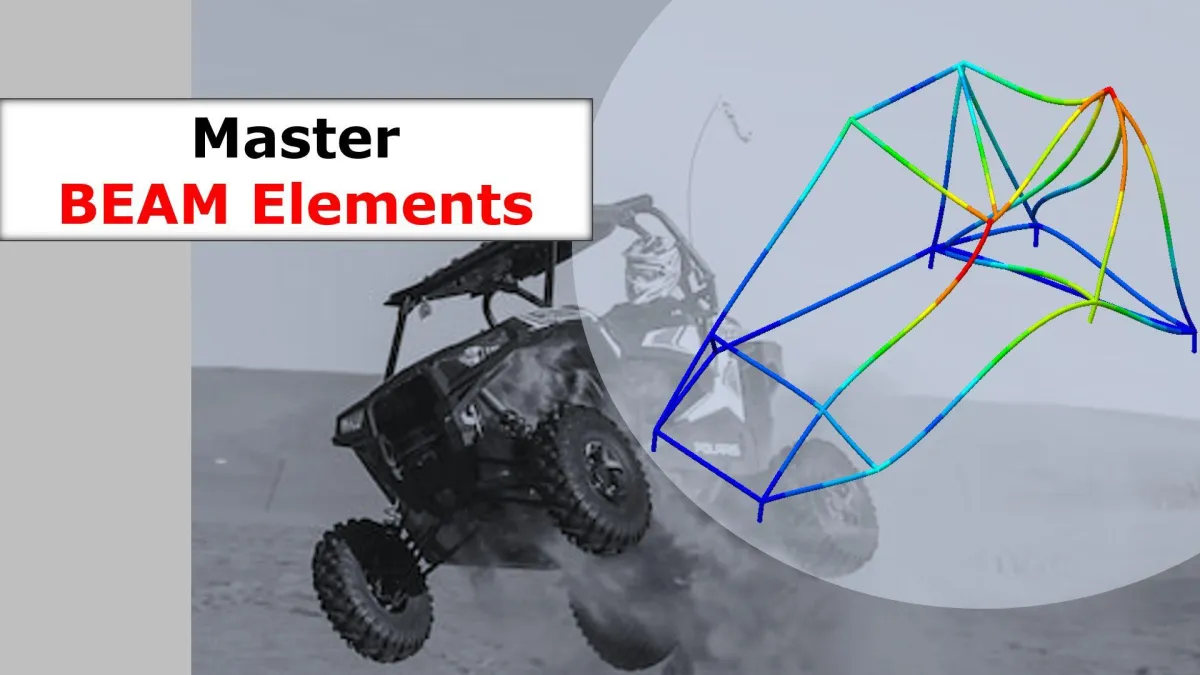
1D line body idealization for tubular frame structures. Cross-section assignment, joint validation, and a full buggy chassis project covering max bump and rollover events.
Beam Elements Frame Analysis Buggy Chassis
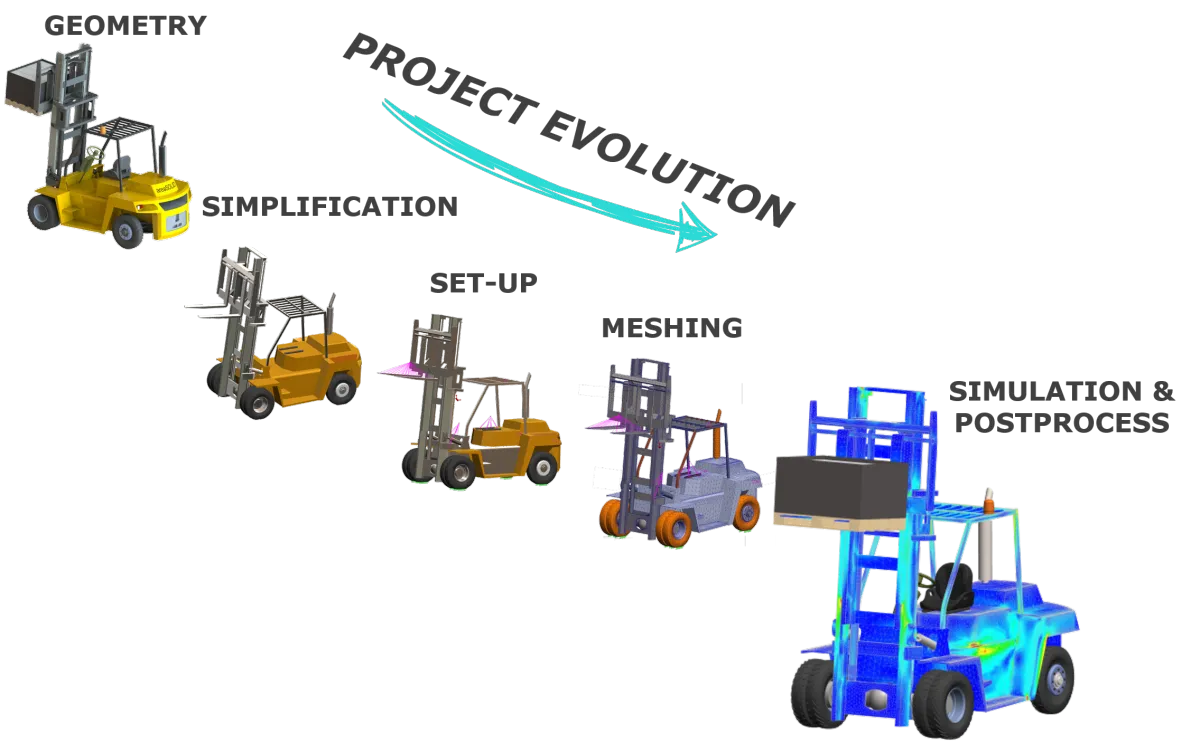
FEA Project Evolution
The Complete Simulation Workflow You'll Execute On Every Project
1 Geometry Optimization
Before any simulation can run, the geometry has to be clean, not just visually but in an engineering sense. You'll learn to identify and remove features that corrupt FEA results: tiny fillets, redundant faces, over-constrained topology. You'll use Split Lines to define load application zones and Reference Geometry to set up precise coordinate systems. This step separates a simulation that runs from one that actually means something.
2 Materials Library
Most engineers accept default material properties and move on. That's a mistake. You'll build and maintain your own custom materials library with verified mechanical properties: Young's modulus, Poisson's ratio, yield strength, all sourced the right way. When a result changes because of a material assumption, you'll know why, and you'll know how to fix it.
3 Boundary Conditions
This is where most self-taught FEA engineers fail, and where this program delivers the most value. You'll learn to translate real-world physics into simulation language: how a vehicle's weight becomes a static load, how a road bump becomes a dynamic force, how supports and joints constrain a structure without over-constraining the model. You'll apply load cases the way they're applied in automotive and aerospace validation, not in textbook approximations.
4 Meshing
Meshing isn't about making the model look detailed. It's about making it accurate without being slow. You'll learn Standard vs. Curvature-based mesh approaches, how to apply local mesh controls at stress concentration zones, and how to use aspect ratio targets (under 5 for detail regions, under 10 for general areas) to stay inside engineering tolerances. You'll run convergence checks to know when your mesh is fine enough, and when you're wasting compute time.
5 Analysis & Solver
Running a simulation isn't pressing a button and waiting. You'll learn to choose the right solver type for your problem, configure it correctly, and diagnose setup errors before they produce misleading results. You'll use the Load Case Manager to run and compare multiple scenarios efficiently, a technique used daily in professional simulation environments.
6 Validation
A simulation result is only as good as your ability to trust it. You'll learn to read von Mises stress plots, displacement fields, and safety factor distributions with real engineering judgment, not just color-map intuition. You'll compare results across element types, cross-check against hand calculations where possible, and build the internal calibration that lets you walk into a design review and defend your numbers. This is what makes you a simulation engineer, not just a software user.

WHAT'S INSIDE, DAY BY DAY

Seven days. Six projects. One workflow you can use from day one at work. Every lesson is structured, every project builds on the last.

Day 01 Introduction & Theory KEY Points
Day 1 Introduction
  • Welcome & About the Course
  • Intro to FEM (Finite Element Method)
  • CAE Software in the Market
  • SolidWorks Simulation: Inside the CAE Software
  • Preparing the Geometry: PRE-PROCESS
  • Preparing the Geometry: SPLIT LINE
  • Preparing the Geometry: REFERENCE GEOMETRY (Coordinate Systems Definition)
  • MATERIALS Definition: Create Your Own Library
Day 02 FEA Simulation Process
Day 2 FEA Simulation Process
  • Boundary Conditions: DEFINITION
  • Boundary Conditions: CONSTRAINTS
  • Boundary Conditions: LOAD CASES in Vehicle Environment
  • Boundary Conditions: LOAD CASES in FEA
  • Meshing: STANDARD
  • Meshing: CURVATURE
  • Meshing: CONTROLS
  • SOLVER: How to Choose It?
  • SOLVER: Define and Run the Simulation
  • Results Review: Post-Process PART I, II & III
  • Duplicate and Compare Different Simulations
  • The Power of the Load Case Manager
Day 03 FEA with SHELL Elements
Day 3 Shell Elements
  • SHELL ELEMENTS: Theory
  • SHELL ELEMENTS: Pre-Process (Surfaces Preparation)
  • SHELL ELEMENTS: Definition in Simulation
  • SHELL ELEMENTS: Simulation Set-Up
  • SHELL ELEMENTS: Meshing
  • SHELL ELEMENTS: Results Review (Post-Process)
Day 04 FEA with BEAM Elements
Day 4 Beam Elements
  • BEAM ELEMENTS: Theory
  • BEAM ELEMENTS: Geometry Description
  • BEAM ELEMENTS: Definition in Simulation
  • BEAM ELEMENTS: Joints
  • BEAM ELEMENTS: Constraints
  • BEAM ELEMENTS: External Loads
  • BEAM ELEMENTS: Meshing
  • BEAM ELEMENTS: Results Review (Post-Process Part I & II)
Day 05 Motorbike Chassis FEA · Solid Elements
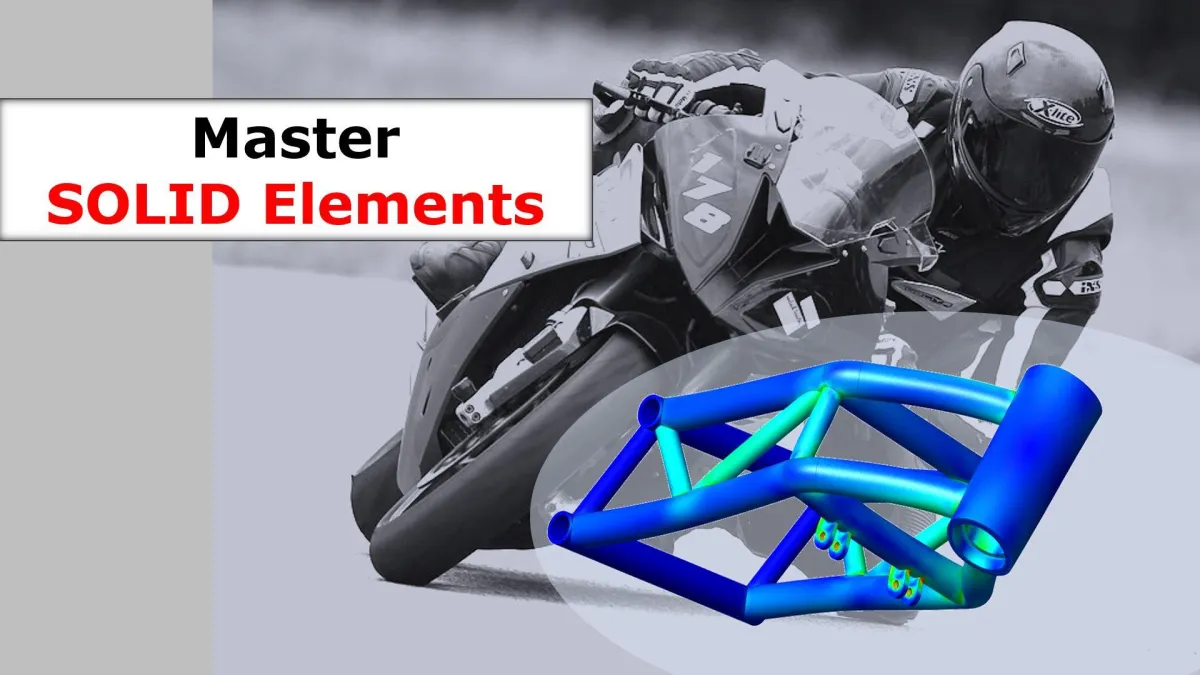
Bike Chassis Project
  • BIKE CHASSIS: Project Presentation
  • BIKE CHASSIS: Geometry Preparation Part I & II
  • BIKE CHASSIS: Element Definition & Materials
  • BIKE CHASSIS: Constraints and Contacts Intro
  • BIKE CHASSIS: External Loads Part I & II
  • BIKE CHASSIS: Meshing
  • BIKE CHASSIS: Results Review (Post-Process)
  • BIKE CHASSIS: Complete Frequency Analysis
Day 06 Truck Chassis FEA · Shell Elements
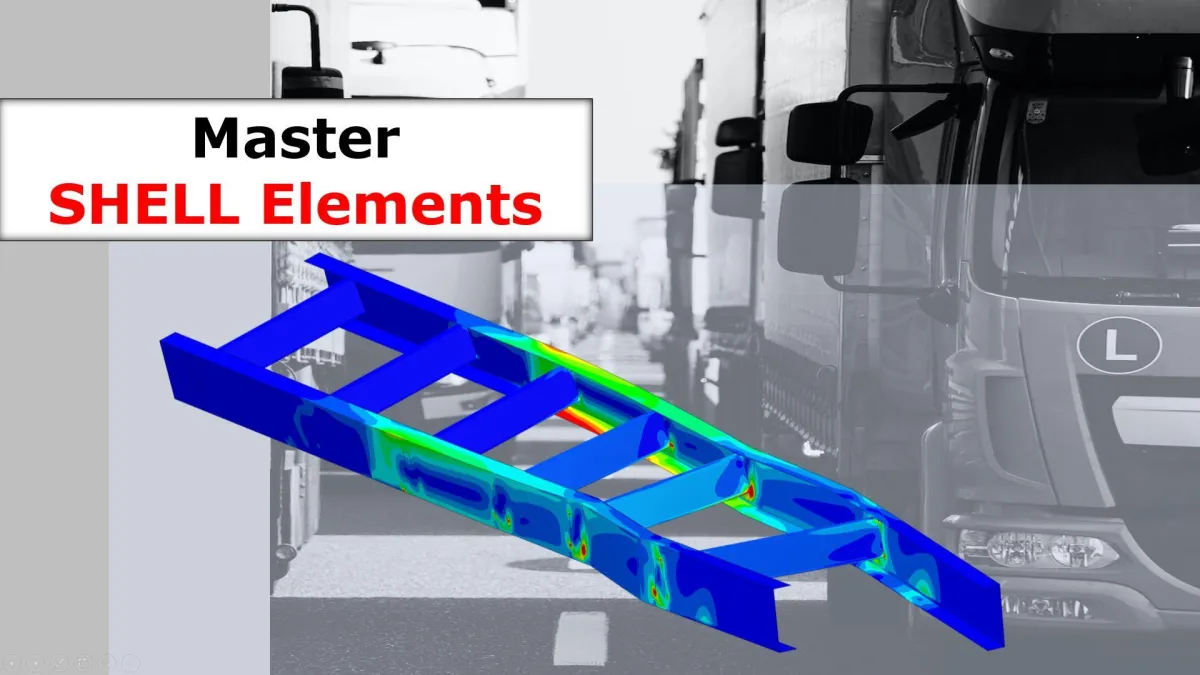
Truck Chassis Project
  • TRUCK CHASSIS: Project Presentation
  • TRUCK CHASSIS: Geometry Preparation Part I & II
  • TRUCK CHASSIS: Shell Elements Definition & Materials
  • TRUCK CHASSIS: Constraints and Contacts Revision
  • TRUCK CHASSIS: External Loads for Chassis Validation
  • TRUCK CHASSIS: Meshing & Solver
  • TRUCK CHASSIS: Results Review (Post-Process)
Day 07 Buggy Chassis FEA · Beam Elements
Buggy Chassis Project
  • BUGGY CHASSIS: Project Presentation
  • BUGGY CHASSIS: Geometry Preparation
  • BUGGY CHASSIS: Beam Elements Definition & Materials
  • BUGGY CHASSIS: Joints Validation
  • BUGGY CHASSIS: Constraints and Loads for Max Bump Event
  • BUGGY CHASSIS: Beam Elements Meshing
  • BUGGY CHASSIS: Max Bump Results Review (Post-Process)
  • BUGGY CHASSIS: RollOver Event Simulation
Bonus Conclusions & Your Roadmap
  • CONCLUSIONS
  • YOUR ROADMAP DETAILS
  • YOUR TITLE

2,300+ ENGINEERS.
ONE CONSISTENT RESULT.

From avoiding FEA tasks at work to submitting simulation results in real client deliverables. This is what happens when methodology replaces button-clicking.

★★★★★ Trusted by 2,300+ engineers worldwide · 744 verified reviews
Avoidance → Application

"I used to avoid FEA tasks at work because I wasn't confident. This training made it click for me. I even used the truck chassis project as part of a real project I was working on. Highly recommended."

Marco D.
Product Design Engineer · Verified areaFEA Student
Career Direction

"Your teachings and experience have really had an impact on me. I would like to specialize my career in FEA right now and CFD in the future. Thank you once again."

Deep Bhatt
Direct Email to Carlos · Verified Student
Methodology Over Theory

"Loved it. The representation of the real-world scenarios as external load was easy to understand. After a thorough search, I found this was the best course on the market to understand FEA properly."

Shanmukh K.
Mechanical Engineer · Verified areaFEA Student
Postgrad Complement

"I started my Post Graduate in FEA 3 months ago and this course has complemented the theoretical classes I've taken. The best way to take decisions in the software that represents the physical problem itself."

Enrick Galo
5-Star Review · Verified Student
★★★★★

"I've taken FEA courses at SAE, read several books, and watched numerous YouTube videos. There are no alternatives that come close to the content and quality of instruction. This is not a paid endorsement."

Shelley Green
Thermal & Mechanical Engineer · LinkedIn Post
★★★★★

"Being guided by this course instead of trying to wing it on my own was well worth it. Practical, structured, and immediately applicable."

Islam Allam
Mechatronics Engineering Student · LinkedIn Post
★★★★★

"Unlike theory-heavy courses, it focuses on real-world applications, teaching us how to use FEA in real engineering projects. Immediately applicable in our jobs."

Philip K.
★★★★★ Verified Review
Carlos Aragonés
About Your Instructor

12+ Years Of Real Industrial FEA, Compressed Into 7 Days.

I'm Carlos Aragonés, founder of areaFEA. I've spent the last 12+ years running finite element simulations on real industrial projects across automotive, energy, and manufacturing, using the full stack of professional FEA platforms.

Ansys Mechanical Abaqus NASTRAN SolidWorks Simulation

The methodology I teach isn't something I learned in a classroom. It's the workflow I built on live engineering projects, refined across thousands of simulations, and now teach to over 2,300 engineers worldwide. The software changes. The underlying decisions never do.

This program is everything I wish I'd had when I started. Structured the way industrial work actually happens. Built around projects you can defend in a design review. Delivered in 7 days, because once you've seen it done right, you won't need another twelve months of YouTube to figure it out.

Carlos Aragonés
Mechanical Engineer · 12+ Years FEA · Founder, areaFEA

EVERYTHING INSIDE
THE 7-DAY FEA WITH REAL PROJECTS

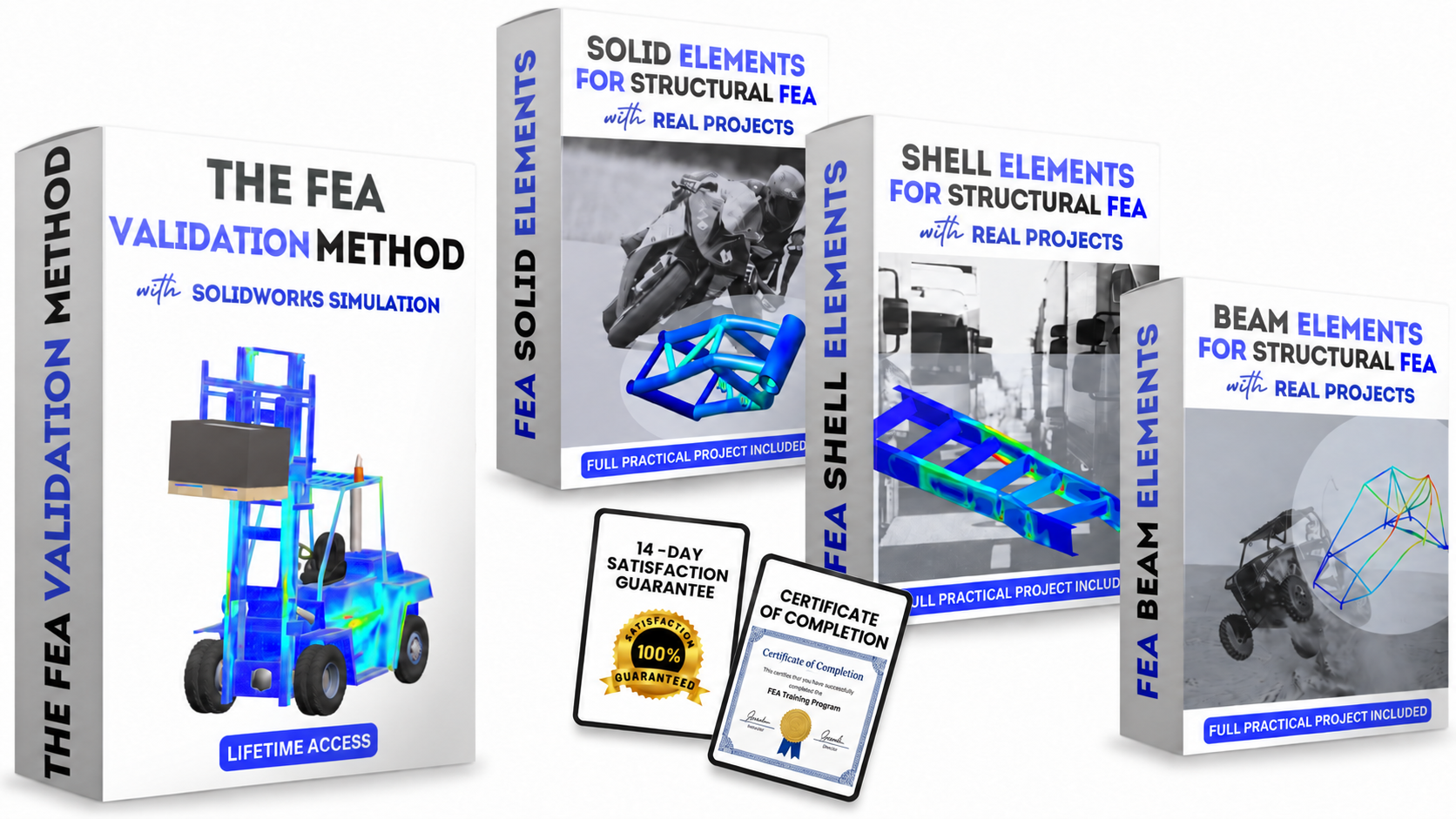
The Core Program: The FEA Validation Workflow. The complete methodology from geometry setup to validated results. Delivered in SolidWorks Simulation, transferable to every major platform.

Bonus Deep-Dive #1: Solid Elements with Real Projects. 3D volumetric meshing on a complete motorbike chassis. Stress concentration handling, realistic load application, full von Mises validation.

Bonus Deep-Dive #2: Shell Elements for Structural FEA. Mid-surface extraction, thin-walled mesh efficiency, multi-load-case chassis validation. Reinforced with a full truck chassis project.

Bonus Deep-Dive #3: Beam Elements for Structural FEA. 1D frame idealization, cross-section assignment, joint connections, rollover and max bump event simulations on a full buggy chassis.

The Complete FEA Methodology. Geometry → Materials → Boundary Conditions → Meshing → Analysis → Validation. Transferable to Ansys, Abaqus, NASTRAN, and any major platform.

IncludedAll 3D CAD Files. Run every chassis project yourself in your preferred FEA software.

IncludedCertificate of Completion. Evidence you executed professional-grade simulations, not just attended a course.

Included24/7 Academy Forum. Get your simulation questions answered by Carlos and 2,300+ engineers who've done the same work.

IncludedLifetime Access. No expiry. Return to any module at any point in your career.

Guarantee30-Day Money-Back. No questions asked. Your only risk is the next 7 days staying exactly where you are now.

UNLOCK THE FULL PROGRAM
The 7-DAY FEA with REAL PROJECTS
$ 149
One-Time Payment · Lifetime Access
Standard online CAE courses$500+
Master's / post-grad FEA programs$3,000 to $30,000
The 7-DAY FEA Program$149
YES, GET THE 7-DAY FEA PROGRAM
🛡️30-Day Guarantee ♾️Lifetime Access Instant Access 📁CAD Files Included

QUESTIONS BEFORE YOU DECIDE

I already use SolidWorks CAD. Is this the right next step for me?
Yes. This program is built for exactly that engineer. If you're already fluent in SolidWorks CAD, you have the foundation that makes the methodology click fast. We demonstrate the process inside SolidWorks Simulation, so your existing CAD familiarity shortens the path dramatically. By the end of day seven you'll be running full industrial projects with a workflow you can defend.
Is this training really effective?
Over 2,300 engineers have already completed it and used the methodology to advance their careers, land new roles, or improve their current workplace projects. The 744 verified reviews and the testimonials on this page are drawn from real engineers who've applied this work in real jobs.
Do I need prior FEA knowledge before starting?
No. The program is beginner-friendly and structured. We start from foundations and build to full industrial project execution. Experienced engineers also use it to formalize a workflow they've been piecing together on their own.
What software is used?
The program uses SolidWorks Simulation (version 2022 or newer required), one of the most widely adopted FEA platforms in industry. It isn't about clicking buttons in any particular software. It's about learning a professional methodology. Everything transfers directly to Ansys, Abaqus, NASTRAN, and any other major platform. The software is the tool. The workflow is the skill.
I don't have access to a SolidWorks license. Can I still take this course?
Yes. SOLIDWORKS offers professional-grade solutions for independent learners. For this program, you need SOLIDWORKS Design Premium for Students (not the basic Makers version). The Student Premium edition includes the full Simulation Professional & Premium suites, which cover everything in this program including bolt connectors, weldments, and non-linear contact. You can find it at solidworks.com/product/students.
How long do I have access, and when does it start?
Immediate access the moment your purchase is complete, and lifetime access with no expiration date. Revisit any module at any point in your career. The content is yours to keep.
How is this different from a $500 online course or a master's program?
A standard $500+ course gives you theoretical lessons and textbook exercises. A master's program gives you two years, heavy theory, and a credential that still doesn't teach real workplace simulation judgment. This program skips straight to the methodology and four full industrial modules. Solid, Shell, Beam, plus the core validation workflow. Same skill, faster, for a fraction of the cost.
Can't I just learn this from scattered tutorials?
There's a lot of FEA content out there, but it's unstructured and rarely connected to real engineering decisions. Months of YouTube produces fragments of knowledge, not a workflow you can repeat. This program gives you a step-by-step methodology from day one, applied through six complete industrial projects. That's the gap between searching and knowing.
What if it's not right for me?
30-day money-back guarantee, no questions asked. If the program doesn't deliver what this page promises, email us and you get a full refund. Your only real risk is spending the next six months exactly where you are now.
areaFEA

© 2026 areaFEA